$99 USD. Yours to keep.
The full software as it exists when you buy, plus every feature added in the next 12 months. Keep those features forever. Bug fixes for your existing features are included throughout MorphMill's development lifetime.

From the first idea to the finishing pass
Turn artwork into reliefs, shape every detail, and plan the cuts that bring it to life. Design, toolpaths and simulation in one CNC carving workspace. One edition. $99 USD. Yours to keep.
In development. The free trial opens at launch.
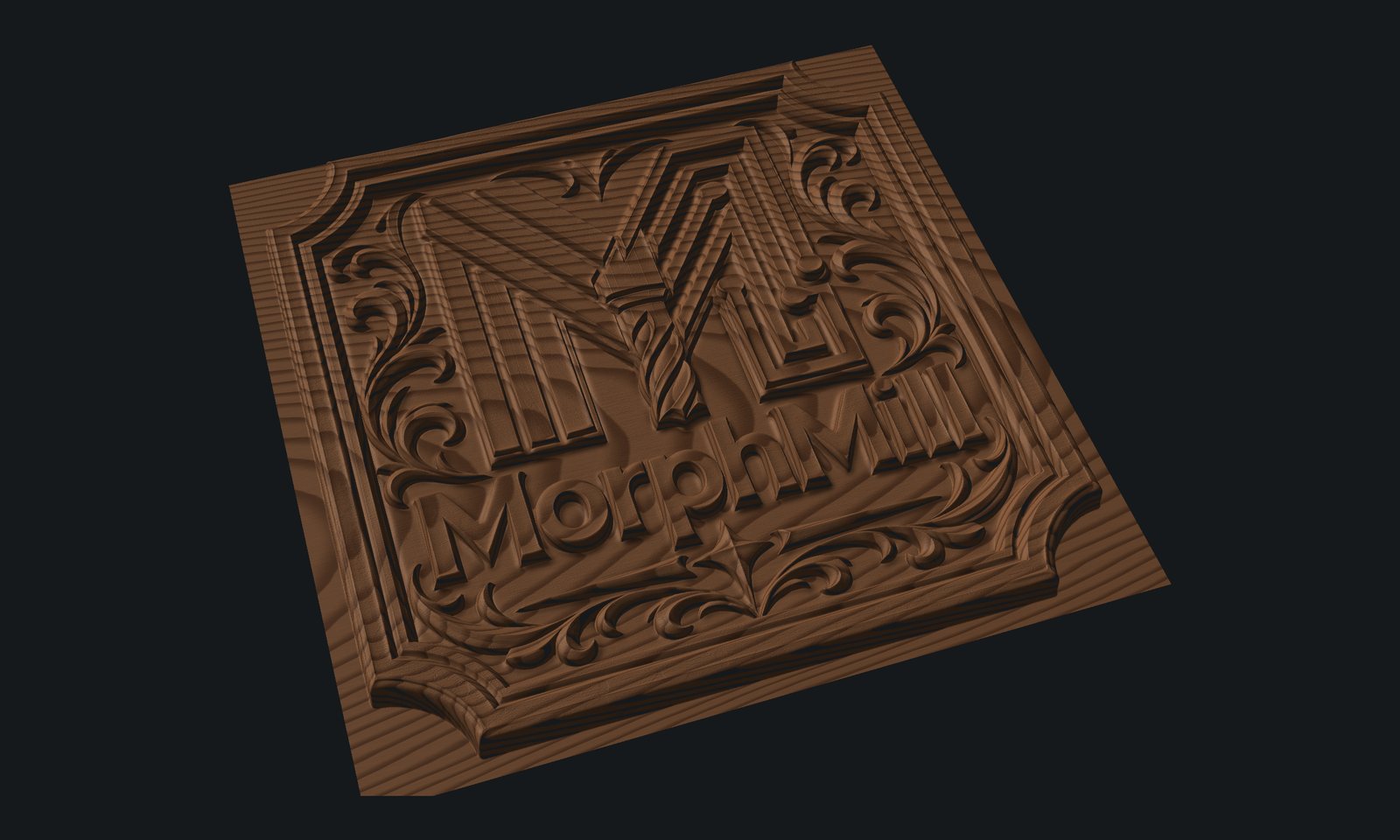
MorphMill plans each cut from the shape of your bit, tapered ball noses included, to help preserve the relief you designed.
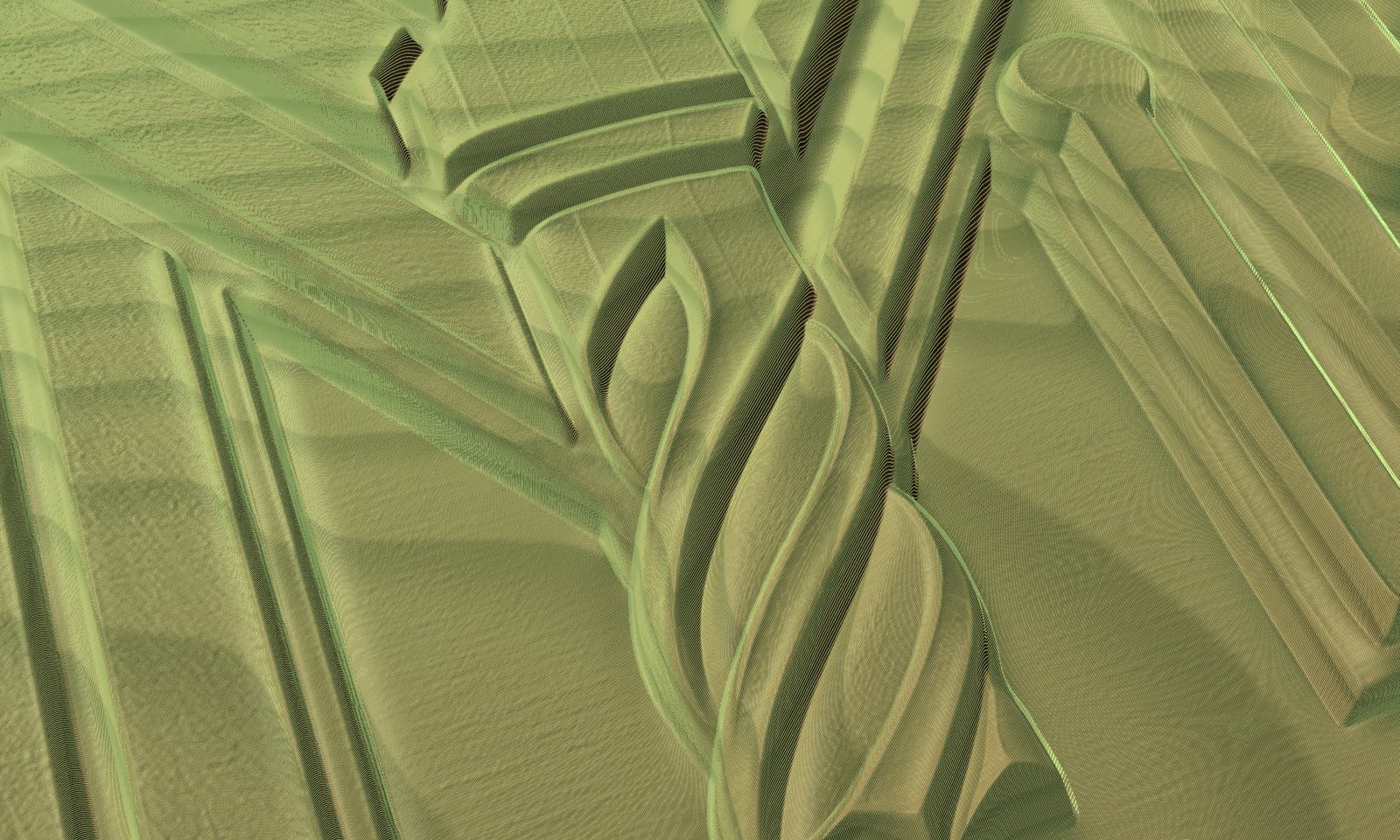
The simulator cuts your G-code into a virtual board, move by move, then compares the result with your design.
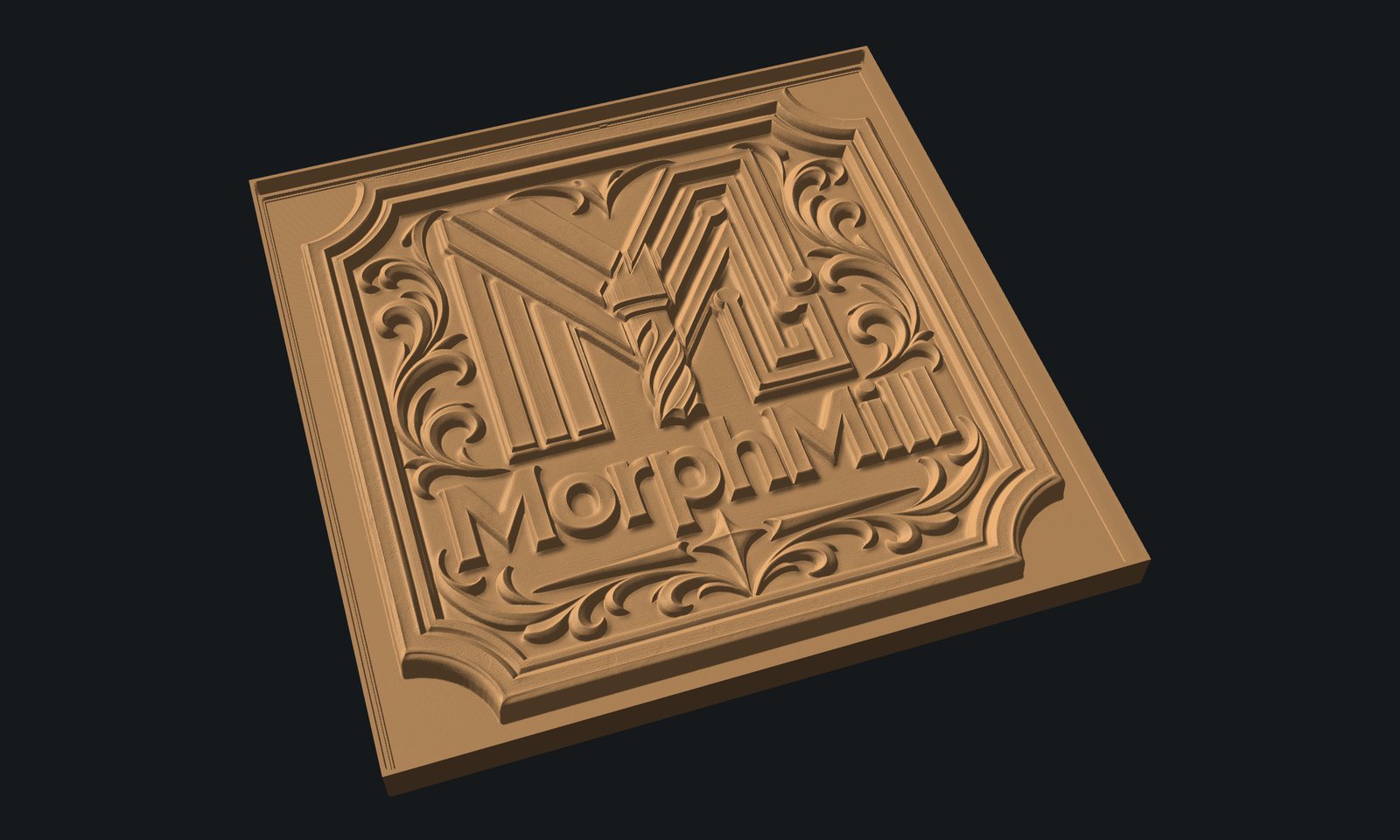
Cut right through the board and MorphMill shows how far past the bottom you're going, warns you if the bit isn't long enough, and adds tabs to hold the part until the last pass.
3D tabs ramp up and over, so they leave a thin wedge that sands off in seconds.
Give a logo, drawing, photo or AI artwork a new dimension. Run depth and upscale models on your own supported GPU, then refine the result into a relief ready for toolpath planning. Processing time depends on your hardware, image size and settings.
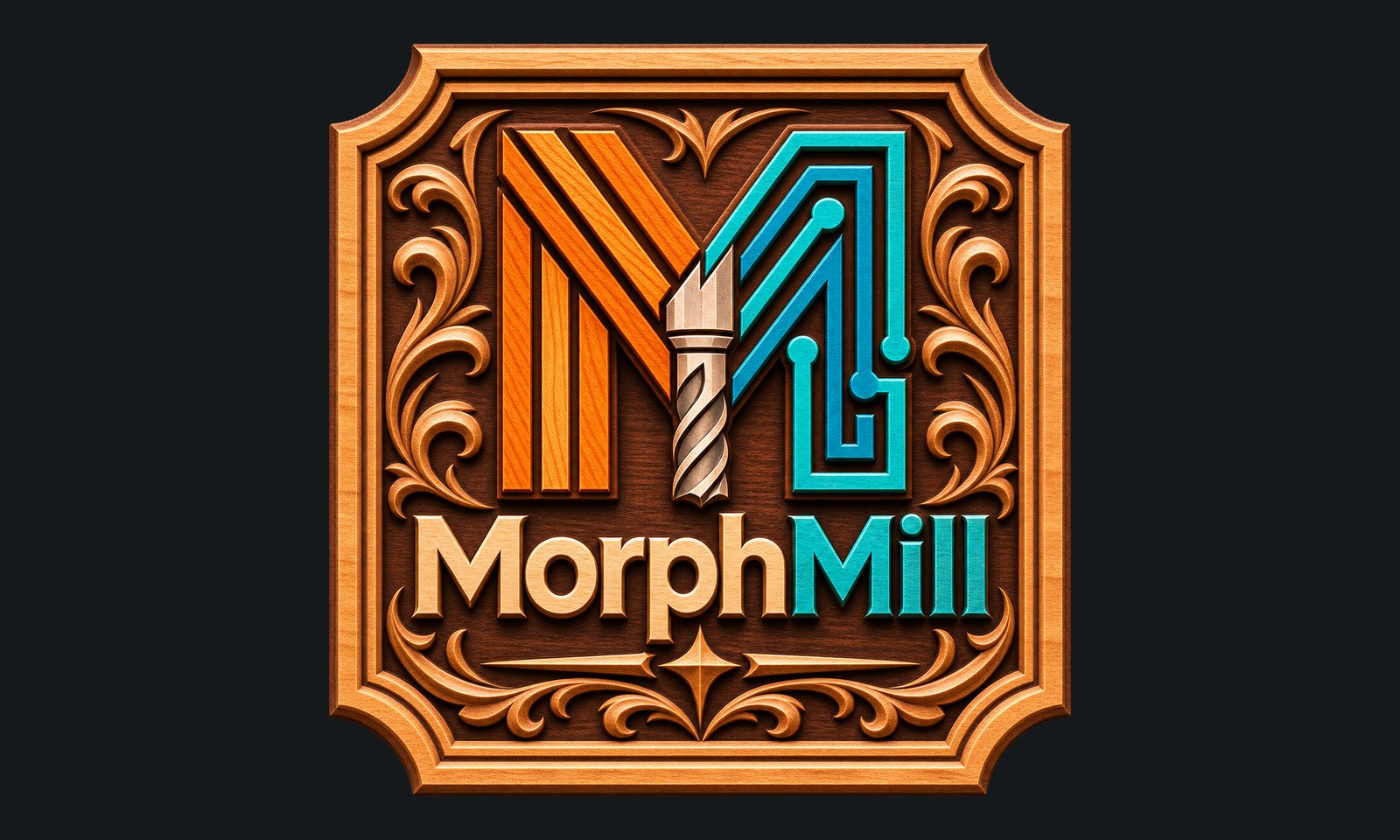
Any picture, at any size. Transparent areas stay flat.
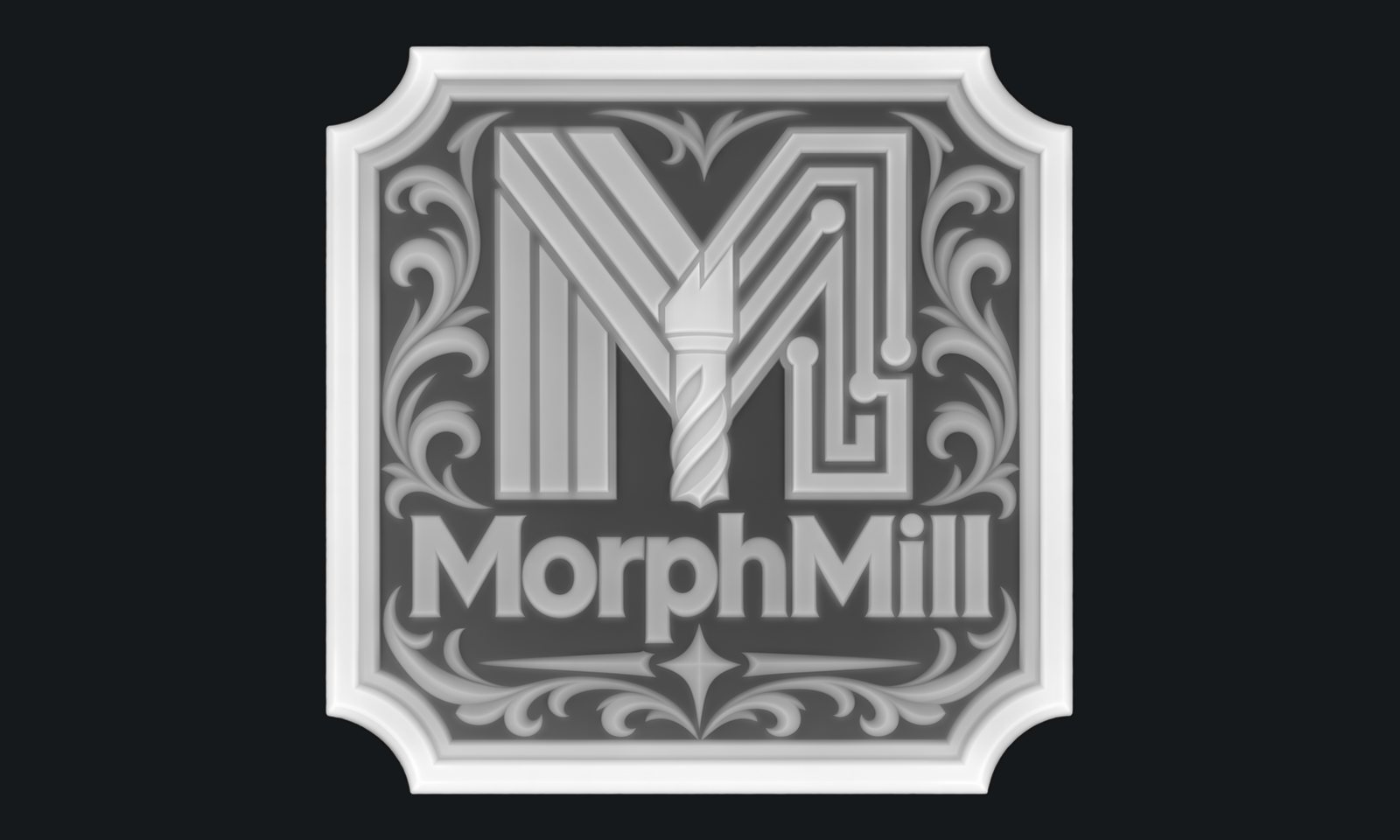
Depth from the picture, with lettering and fine ornament kept crisp.
Choose your bits and MorphMill plans the roughing and finishing.
Check it in the simulator and in real wood, then carve it.
Every design is a stack of layers: the picture, a frame, some lettering, a sculpted leaf. Move, resize and blend them, and change any of them after you have planned the cut.
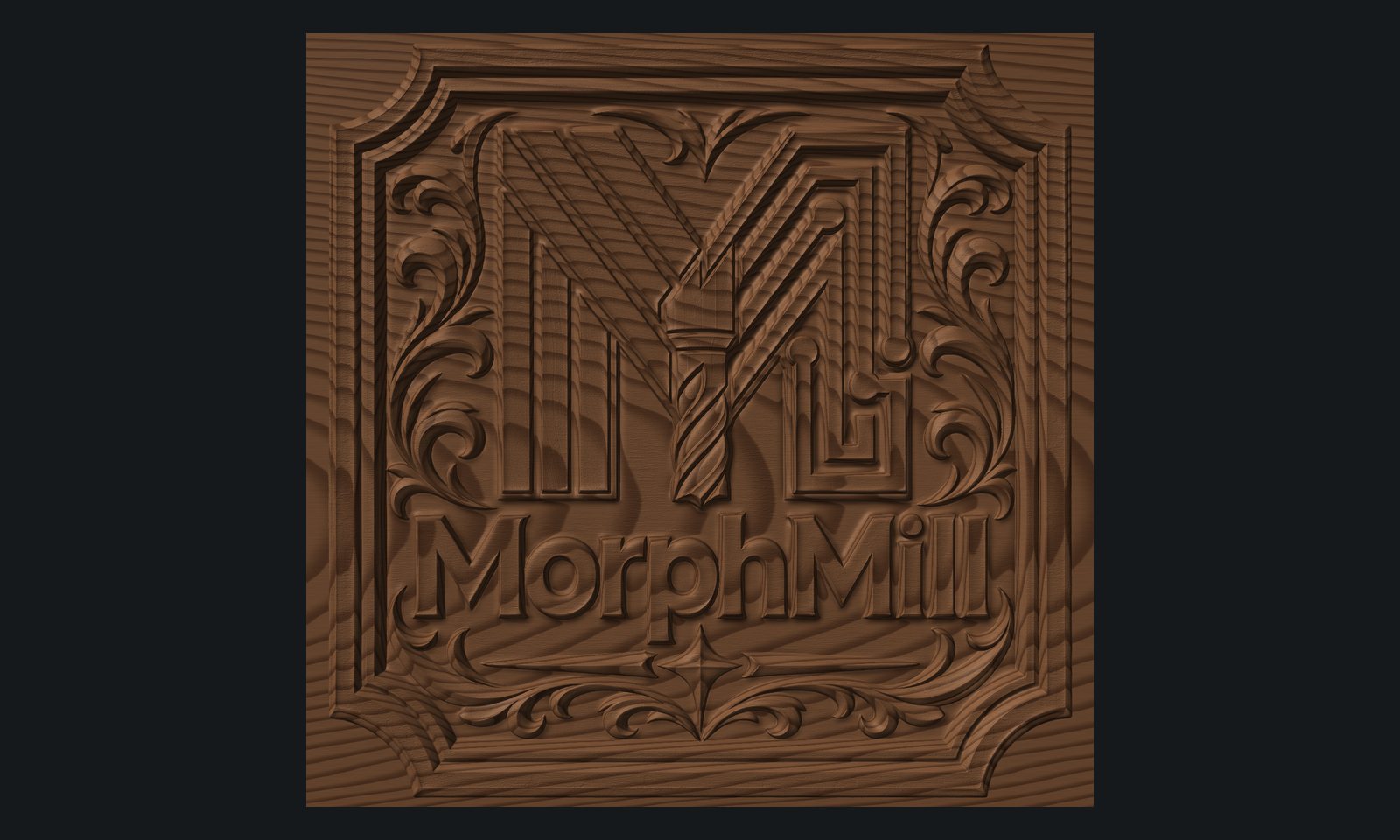
Preview the carving in walnut, cherry, maple, oak and four more woods. The grain changes as the carving goes deeper, the way a real board's does, and you can paint the background to try a two-tone finish.
A lasting software licence, optional feature updates, and a clear distinction between your GPU and any future cloud service.
The full software as it exists when you buy, plus every feature added in the next 12 months. Keep those features forever. Bug fixes for your existing features are included throughout MorphMill's development lifetime.
After your first year, an optional $15 USD upgrade brings the new features and another 12 months of feature additions. Wait for something you want, skip upgrades entirely, or upgrade to support an independent developer. Your existing software keeps working.
Install on one machine and connect up to two other devices concurrently through browsers on the same local network. Local depth and upscaling have no per-render charge; future cloud credits would be separate.
If your PC meets the hardware requirements, you can run the depth and upscale models on your own GPU without paying per render. Local processing keeps those images on your computer.
A credit-based cloud option for lower-end PCs is being investigated for a later release. Credit pricing, hardware requirements for that option and availability are still to be determined. Read the thinking behind cloud rendering.
Designing, planning toolpaths and saving G-code work offline. Activation, updates and periodic licence checks need an internet connection.
One licence installs on one machine, with up to two other concurrent browser connections on the same local network. Let your gaming desktop do the heavy lifting while you design on your laptop. See how the licence works.