The MorphMill workspace

Make more of
your next board.

From a flat image to a dimensional relief. From a relief to toolpaths you can inspect. Bring the creative work and the cutting plan together, with one edition built for CNC carving.

One design. A complete journey.

See how an idea becomes a carving.

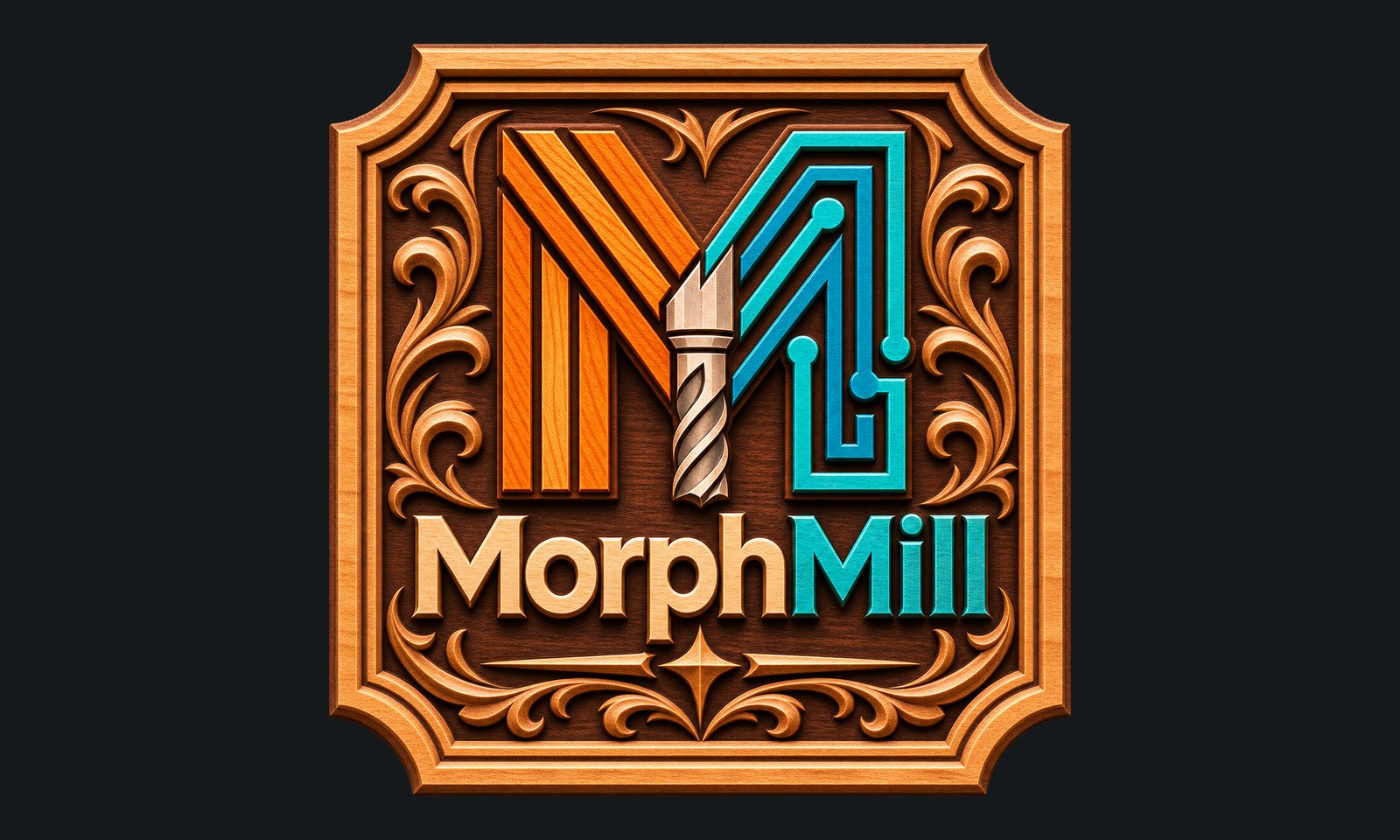
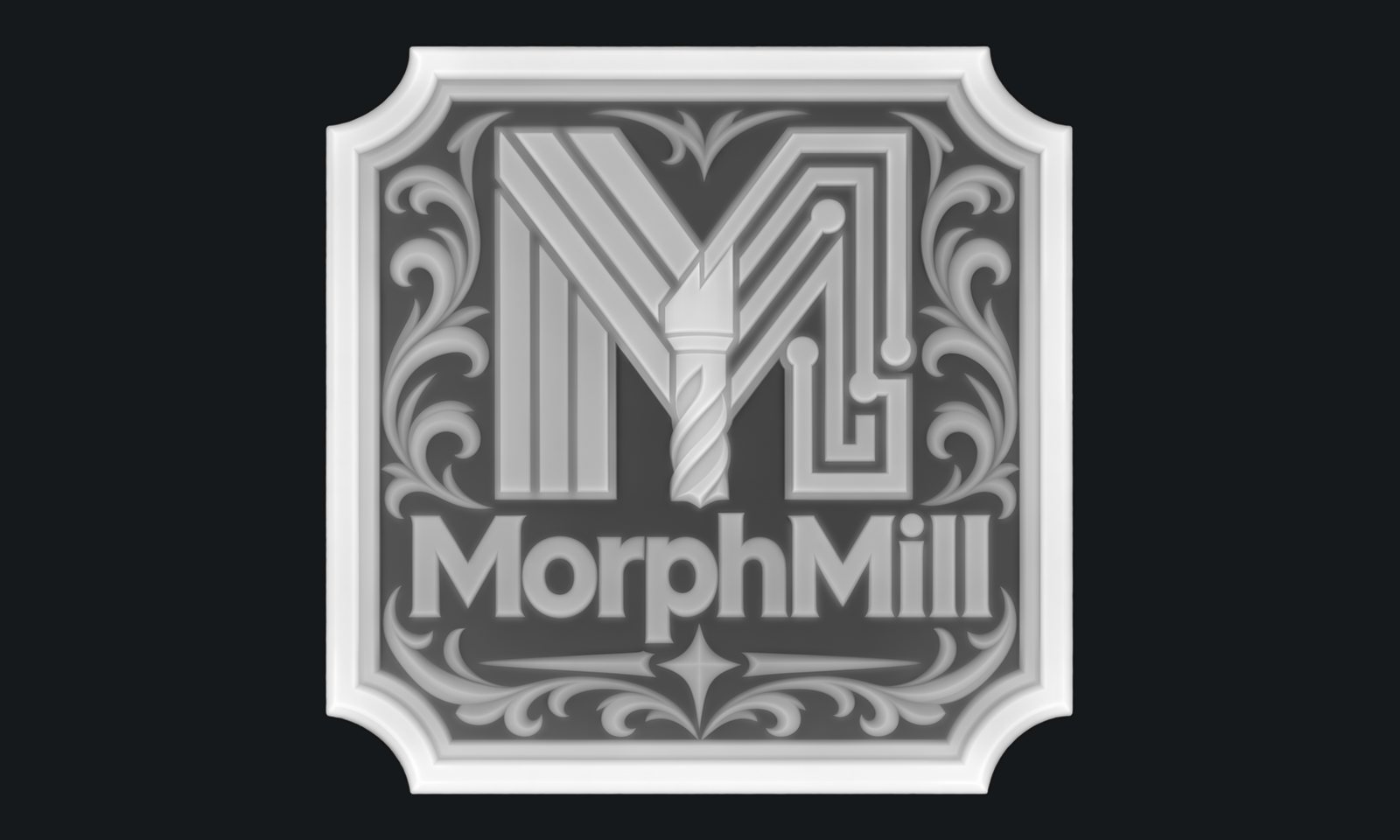
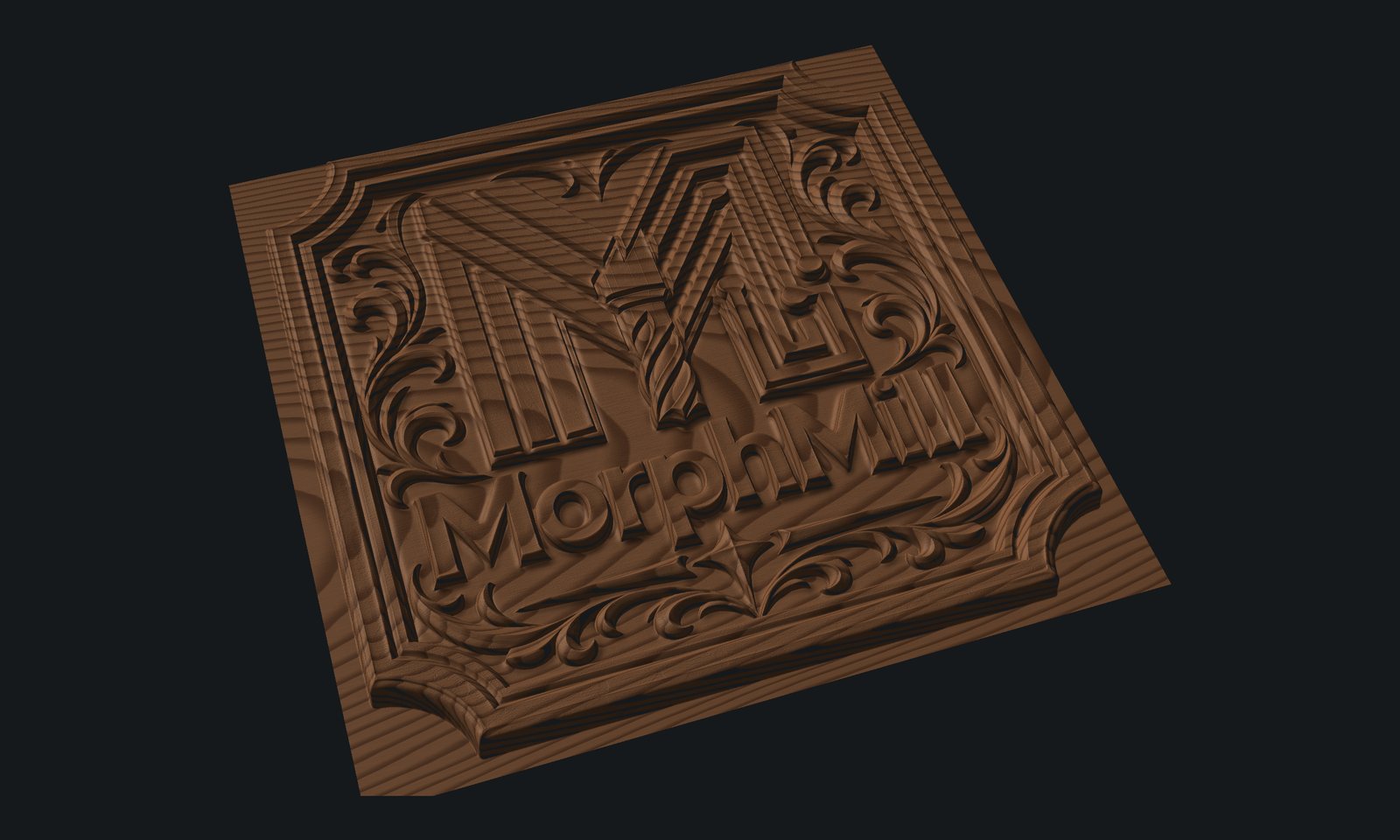
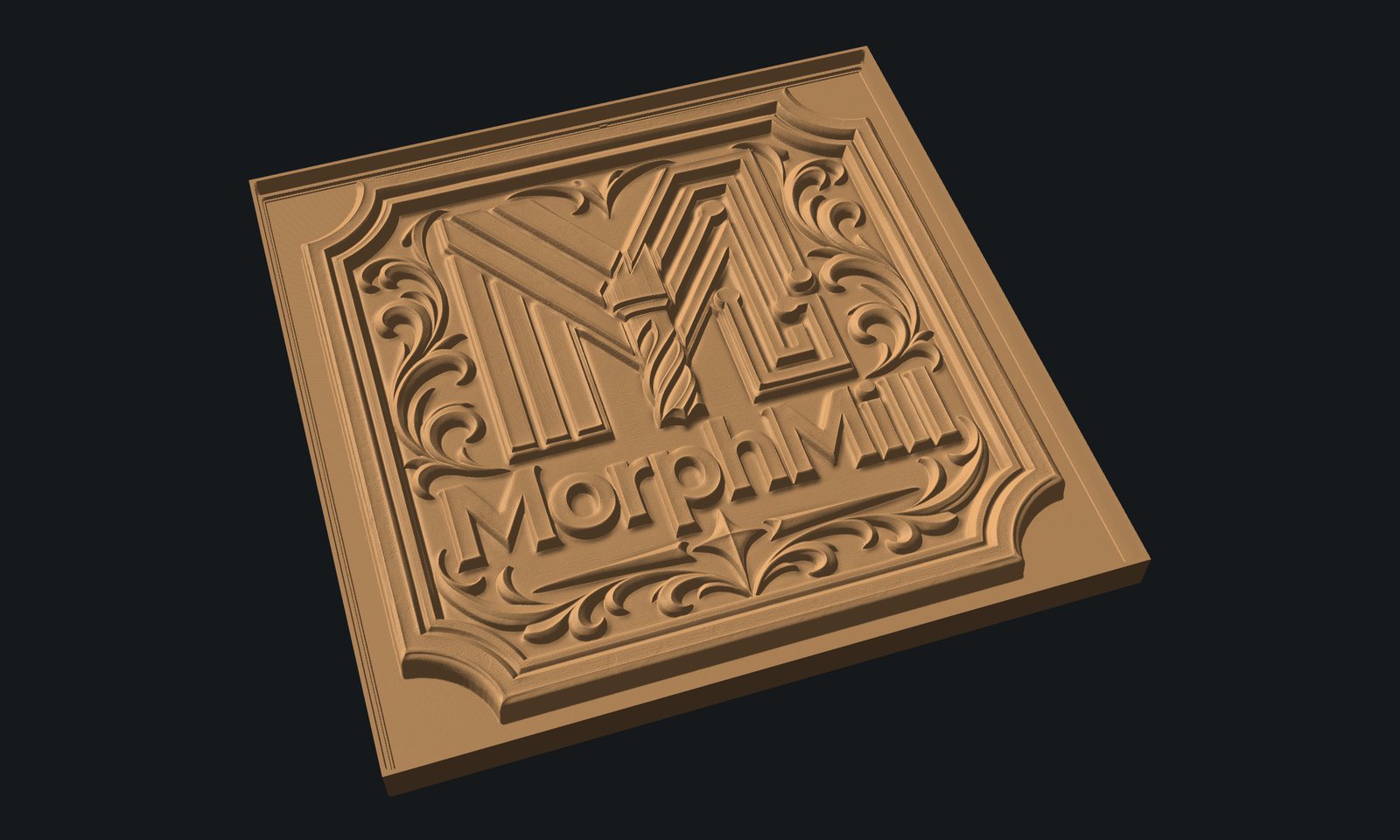
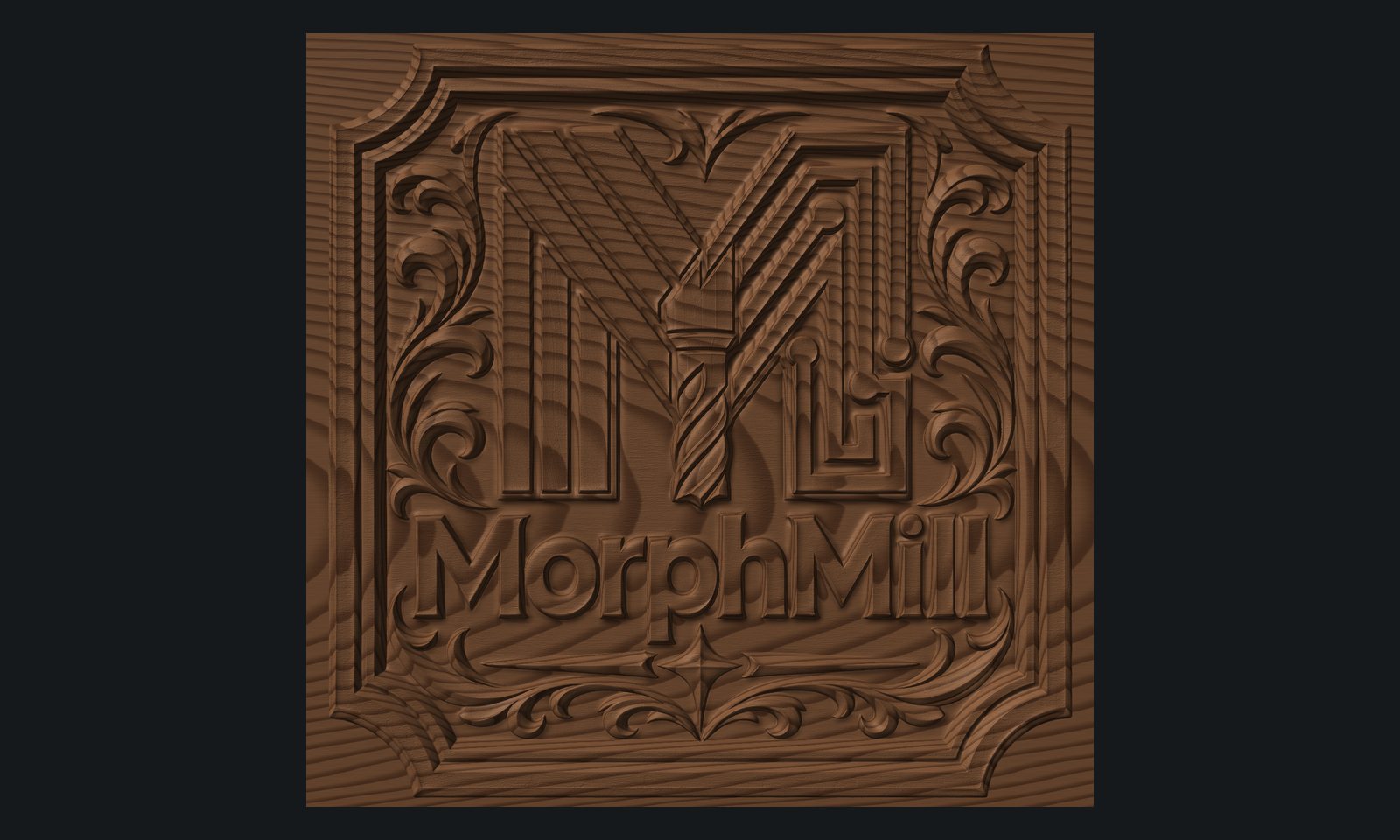
The same MorphMill emblem at three stages: source artwork, generated relief, and a walnut preview. Refine the relief before planning the cuts.

Original flat MorphMill emblem artwork
Start with artwork
Greyscale relief of the same emblem
Build and refine the relief
Simulated walnut carving of the emblem
Preview the result in wood

Plan the cut

Toolpaths

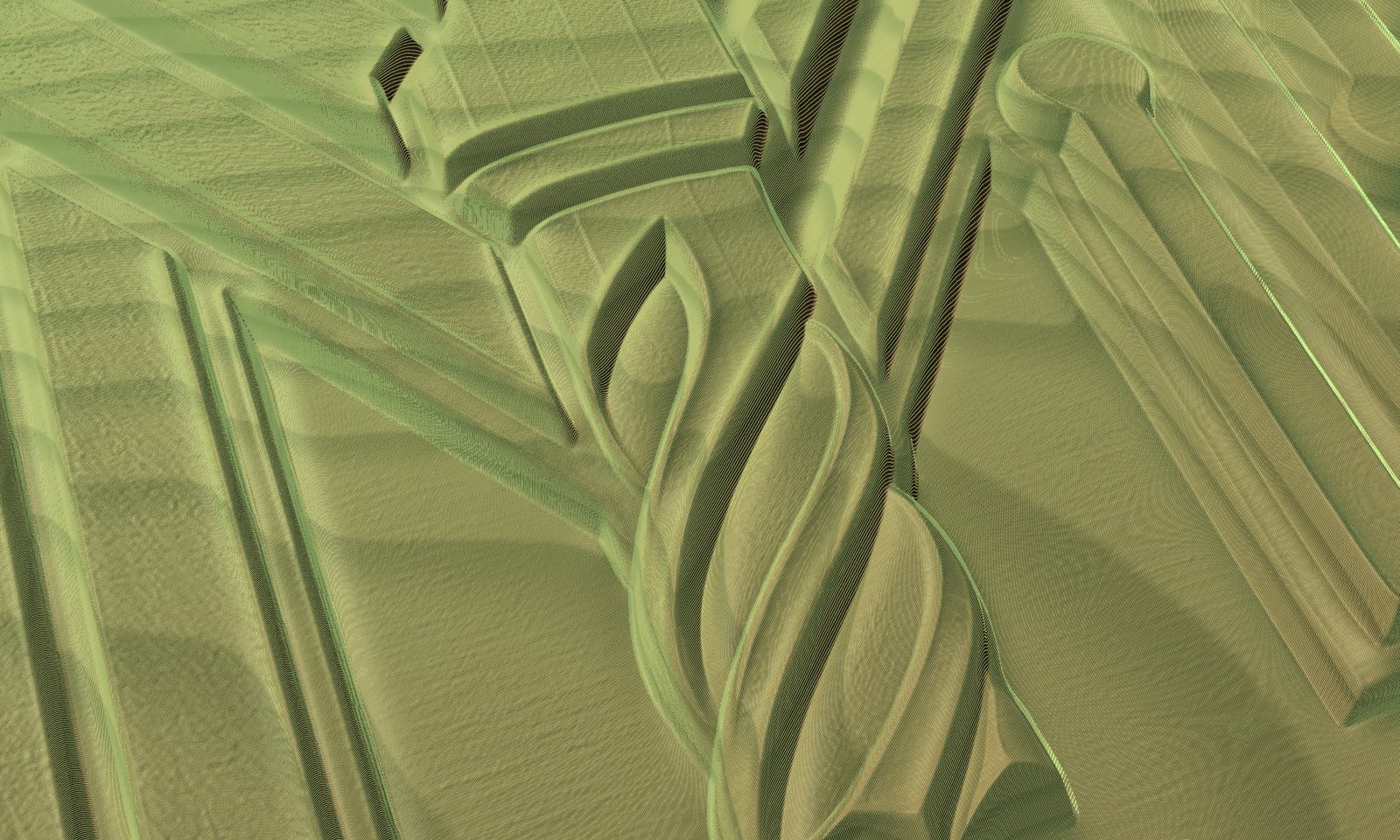
Finishing toolpaths over the emblem relief
A closer look at finishing passes over the relief.

Planned from the real shape of every bit.

3D roughing
Clears the bulk of the wood level by level in smooth offset loops, leaving an even layer for the finishing pass.
3D finishing
Raster passes follow the relief surface using the selected tool geometry. Choose a stepover that balances detail and machining time, then inspect the result in simulation.
Steep walls
Extra passes around steep sides, closer together where the wall is gentle, so the whole wall comes out evenly smooth.
Cut-outs and tabs
Cut on the line, inside or outside, right through the board if you want. Square or 3D tabs hold the part, and you can drag each one along the cut.
Pockets and clearing
Clear inside shapes around islands, or clear everything outside the carving out to the edge of the board.
V-carving
Sharp-cornered lettering and inlays with a V-bit, with an optional flat bottom.
Any bit
End mills, ball noses, tapered ball noses and V-bits, with feeds, speeds, step-downs and step-overs for each toolpath.
G-code
Ready for grblHAL and Grbl controllers, in inches or millimetres.

Inspect before cutting

Simulation

Emblem job shown in the material removal simulator
Preview material removal before taking the job to your machine.

Your G-code, cut into a virtual board.

Move-by-move playback
Watch the job cut from the first plunge to the last pass.
Compare with the design
Blue where wood is left behind, red where a cut went too deep.
Safety checks
Rapid moves through the board, cuts deeper than the bit is long, and jobs bigger than your machine's travel.
Run time
Estimated from your machine's speeds and acceleration. Actual machining time can vary with controller behaviour and setup.

Make it your own

Relief design

Top view of the emblem relief in a walnut material preview
Evaluate the composition, depth and finish together.

Layers you can move, resize, blend and undo.

Layers
Each part of a design on its own layer, combined by taking the highest, adding, subtracting or replacing.
Frames and mouldings
19 profiles from bead and cove to ogee and raised panel, fitted cleanly around the artwork.
Sculpting
Raise, lower, smooth, flatten, smudge and erase brushes, with pen pressure.
Selections
Rectangle, lasso and select by height. Grow, shrink, feather, or turn a selection into vectors.
Shape any layer
Fade it across or out from the centre, tilt it, mirror it or turn it inside out, and change your mind later.
Rosettes and panels
Spin a moulding around a centre, or run it around the edge of a panel.
Carving checks
See where your finishing bit can't reach and which walls are too steep, before you plan the cut.

Vectors and lettering

For signs, borders and inlays.

Shapes and text
Rectangles, ellipses, polygons, stars, lines and text in any font on your computer.
SVG and DXF
Bring in artwork from other programs at its real size.
Raise into the relief
Turn shapes and lettering into domed, flat, angled or moulded relief, with a height limit.
Sweep along a curve
Run a profile along any line for ribbons, vines and borders, with tapered ends.

Picture to relief

Depth and upscale models on your own supported GPU.

Any picture
Use logos, drawings, photos and AI artwork as the starting point for a relief. Transparent areas stay flat. Processing time varies with your GPU, image size and settings.
Fine detail
A detail mode reads the picture again in close-up tiles, for crisp lettering and ornament without carving painted texture.
Small pictures
Run an upscale model locally to enlarge a small source before depth processing. Review the generated detail before carving; upscaling cannot guarantee recovery of the original detail.
Height control
Lift the middle heights or push back the deepest parts with a curve, like levels in a photo editor.
Import reliefs
16-bit heightmaps at full precision, and STL models.

Real-wood preview

Eight woods
Walnut, cherry, maple, oak, pine, basswood, mahogany and cedar, with the grain changing as the carving goes deeper.
Painted backgrounds
See the background painted any colour with the raised parts sanded clean.

Depth & upscaling

Use the GPU you own.
Keep room for another way.

Model processing should fit your workshop, including the computer in it.

Local processing

Your PC does the work

ArtworkYour GPURelief

On a PC that meets the requirements, run both depth and upscale models on your own supported GPU. Local renders do not consume cloud credits or incur a per-render charge.

Check local hardware requirements
Under investigation · later release

A path for lower-end PCs

ArtworkCloud GPURelief

Optional cloud rendering would use credits to cover remote processing. Credit pricing and availability are still to be determined. This is a future option, not a launch feature.

Why consider credits?

Your workshop, connected

Desktop power.
Laptop freedom.

Keep the heavy work on the machine built for it.

One machine, one installation
Your licence installs MorphMill on a single machine. That host PC runs the program and handles the demanding processing.
Two concurrent browser connections
Up to two other devices can connect to the host at the same time, on the same local network, using a web browser. These are connections to the host, not additional installations.
Design where you're comfortable
A powerful gaming desktop in another room can do the heavy lifting while you design on your laptop. The host needs to be running and reachable on your local network.
Tablet and pen access Investigating
Connecting a tablet to the main PC for drawing with a pen is being investigated. Tablet browser compatibility and pen input are not yet confirmed.

Build your personal collection

Find your tools.
Keep them close.

An online tool catalogue with an offline home for your own bits.

MorphMill is still in its early stages. The tool database will expand over time as more tools and vendors are added.

Browse by vendor
Import tools from an online catalogue sorted by vendor. Filter the catalogue to narrow down the tools you need.
Popular tools, kept current
Popular tools are maintained online and updated over time, so you can build your library without entering every tool from scratch.
Add any tool manually
Your collection is yours to build. Enter your own tools manually when a bit isn't in the catalogue.
Available offline once added
Once imported into your personal collection, a tool stays there without an internet connection. Connectivity is needed to browse and import online tools, or for updates and syncing, not to keep using tools you've already added.
Tool vendors welcome
Tool vendors can email support@morphmill.io to submit tool databases for consideration for inclusion in MorphMill's catalogue.

Being finished for 1.0

Part of the first release.

One installer
Everything included, and updates that only download what changed.
Machine setup
Describe your machine once: travel, spindle or router, tool changes and controller. Paste your Grbl settings to fill most of it in.
Your tool library
Your own bits, with feeds and speeds for each wood. Add tools manually or import them from the online catalogue, then keep them in your personal collection for offline use.
Two browser connections
One licence installs on one machine. Up to two other devices can connect concurrently in a web browser on the same local network.

Coming next

Planned features and workflows for future releases. These are development goals, not features available today; timing and supported machine configurations are still to be determined.

Fourth-axis CAM
Toolpath planning for rotary carving on machines equipped with a fourth axis, opening up work around a rotating piece of stock.
Fourth-axis modeling
Modeling tools and workflows for designing around rotary stock, with the design and machining setup considered together.
Multiple stocks and work offsets
Set up several projects or pieces of stock for one machining session, each with its own origin and work coordinate system. Organize the jobs around where each piece is held on the machine.
Indexed multi-side setups and fixturing
Define separate origins and setups for different faces of a part, such as the sides of a cube. Plan how the stock or fixture is repositioned between cuts, within your machine's travel, tool reach and clearance.
Tiled machining
Split a large design into aligned sections, then reposition the stock or use an indexed moving table between cuts. Work toward projects larger than a single reachable cutting area, with support dependent on the machine and setup.
Epoxy inlay helpers
Visualize epoxy fills in a design and estimate fill volumes and mixing quantities using your resin system's specified ratio.
Rest machining
Use a smaller bit to machine material left behind where a larger bit could not reach, concentrating extra passes where they are needed.
Flat areas with an end mill
Flat backgrounds cleared quickly with an end mill instead of rastered with a ball nose.
Pencil passes
Clean creases along valleys and inside corners.
Smarter strategies
Raster, contour or spiral chosen area by area, with finer passes only where there's detail.

Build your next carving

One workspace. More possibilities.

Explore the hardware requirements and planned pricing while MorphMill is in development.